A voice journal you can ask.
Record an entry in one tap on iPhone or Android, and the words appear as you speak. Later, ask a question and hear the moment in your own voice.
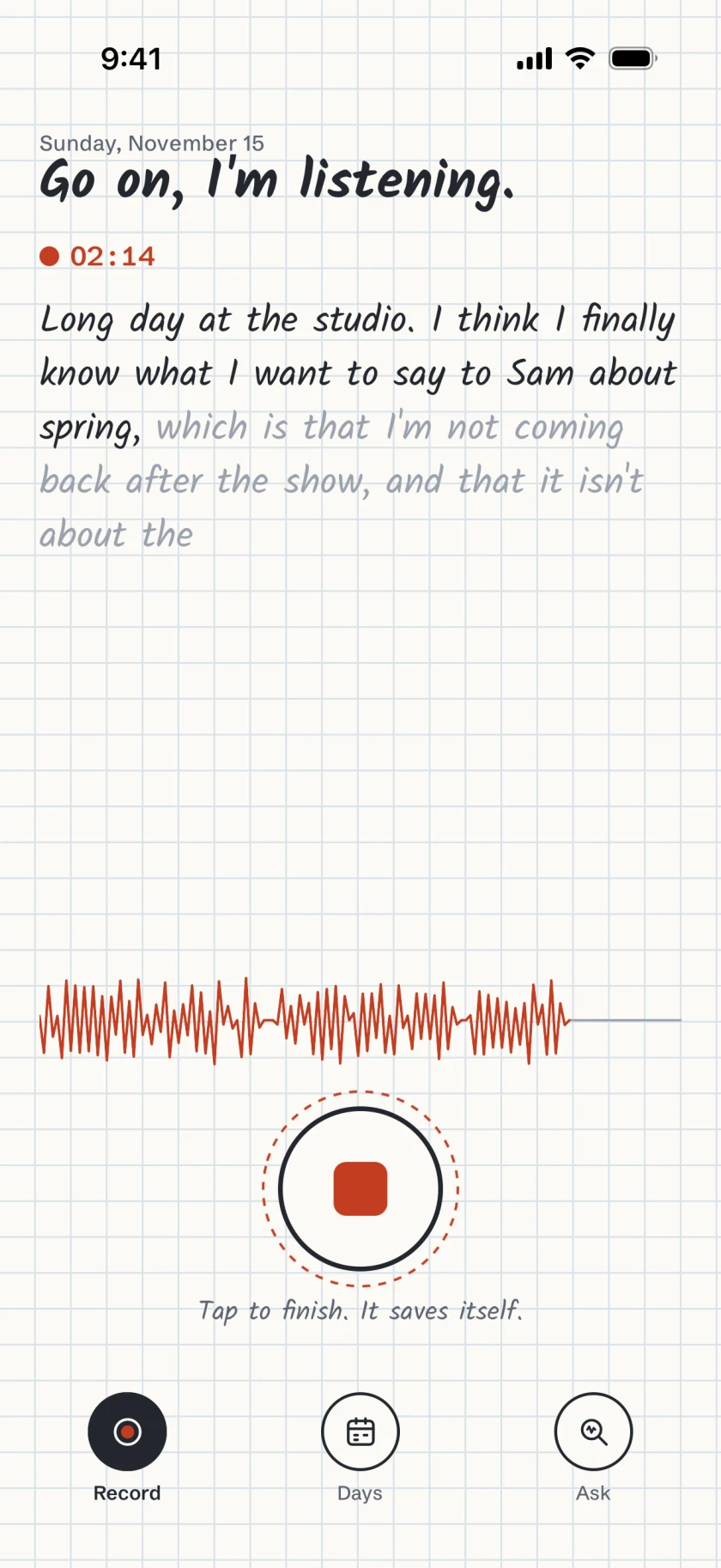
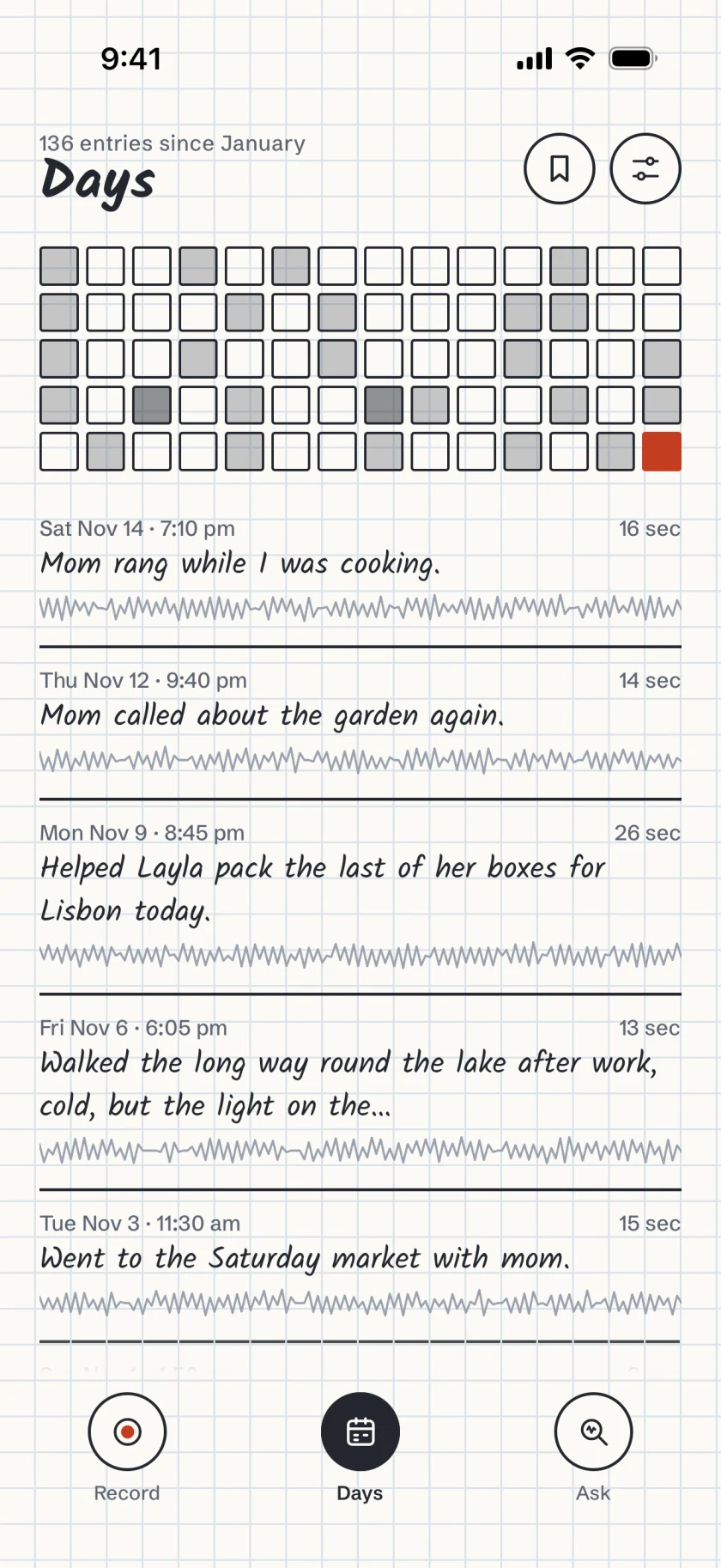
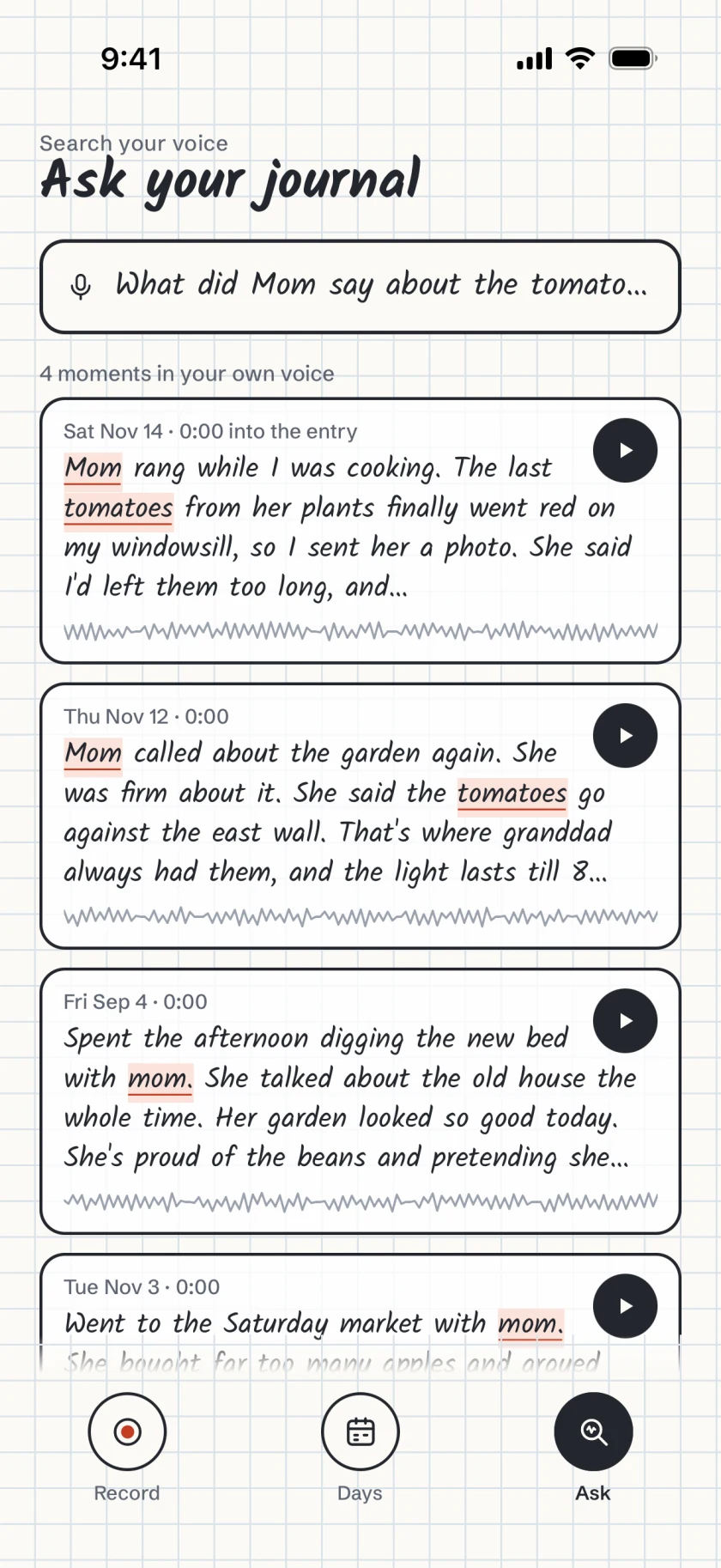
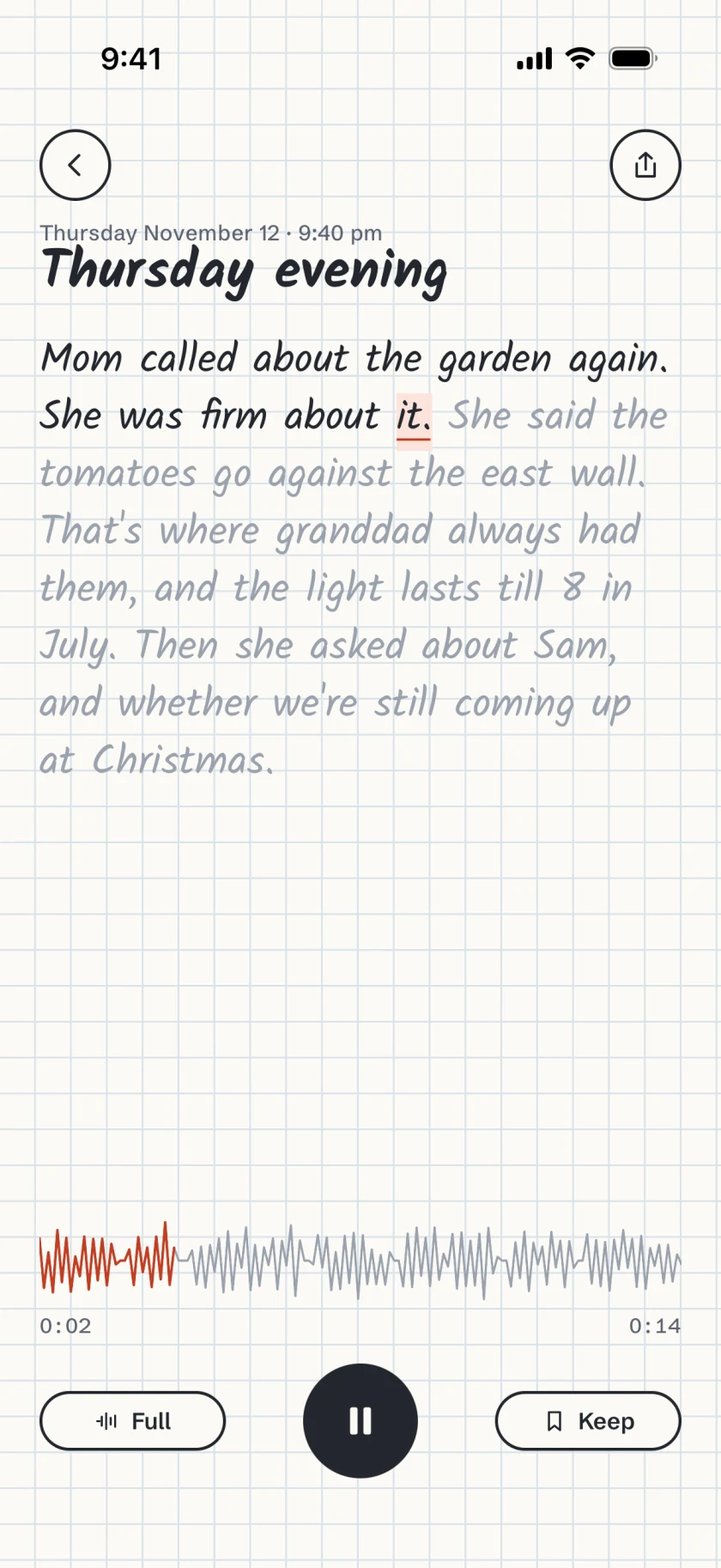
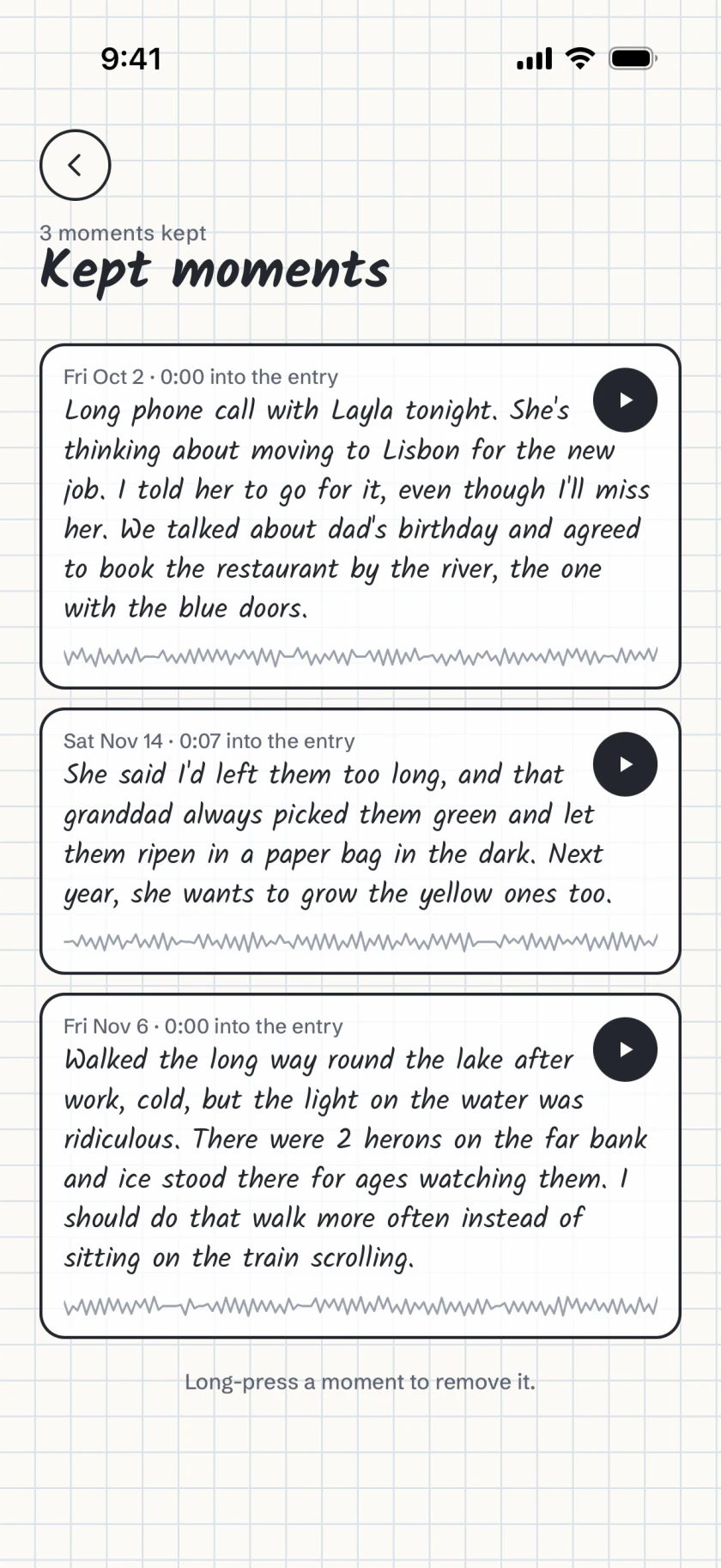
Each entry keeps your voice and its words.
Oncesaid saves the audio with a transcript that has the time of every word. Playing, searching and sharing all work from those two.
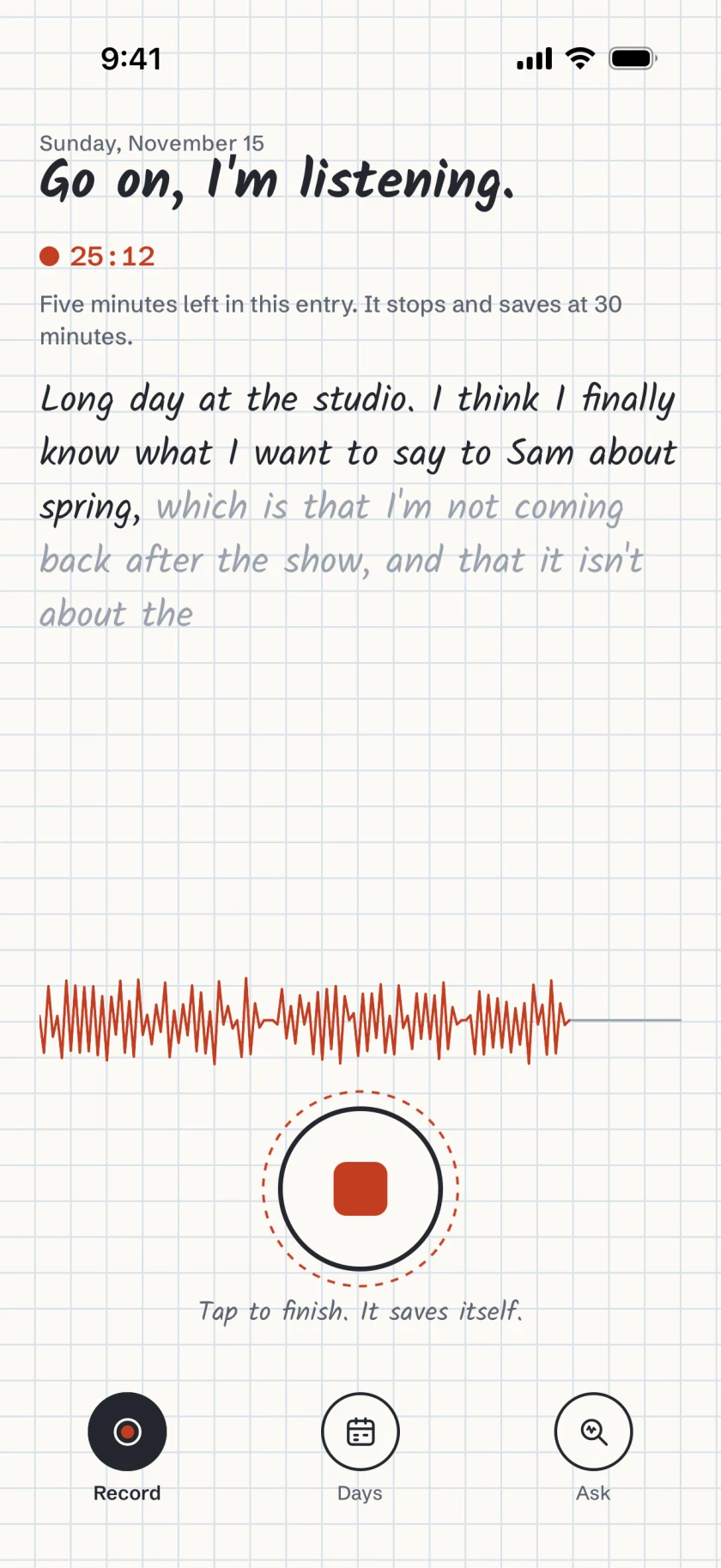
Fig. 1 Thirty minutes an entry. A note five minutes before the end, then it stops and saves.
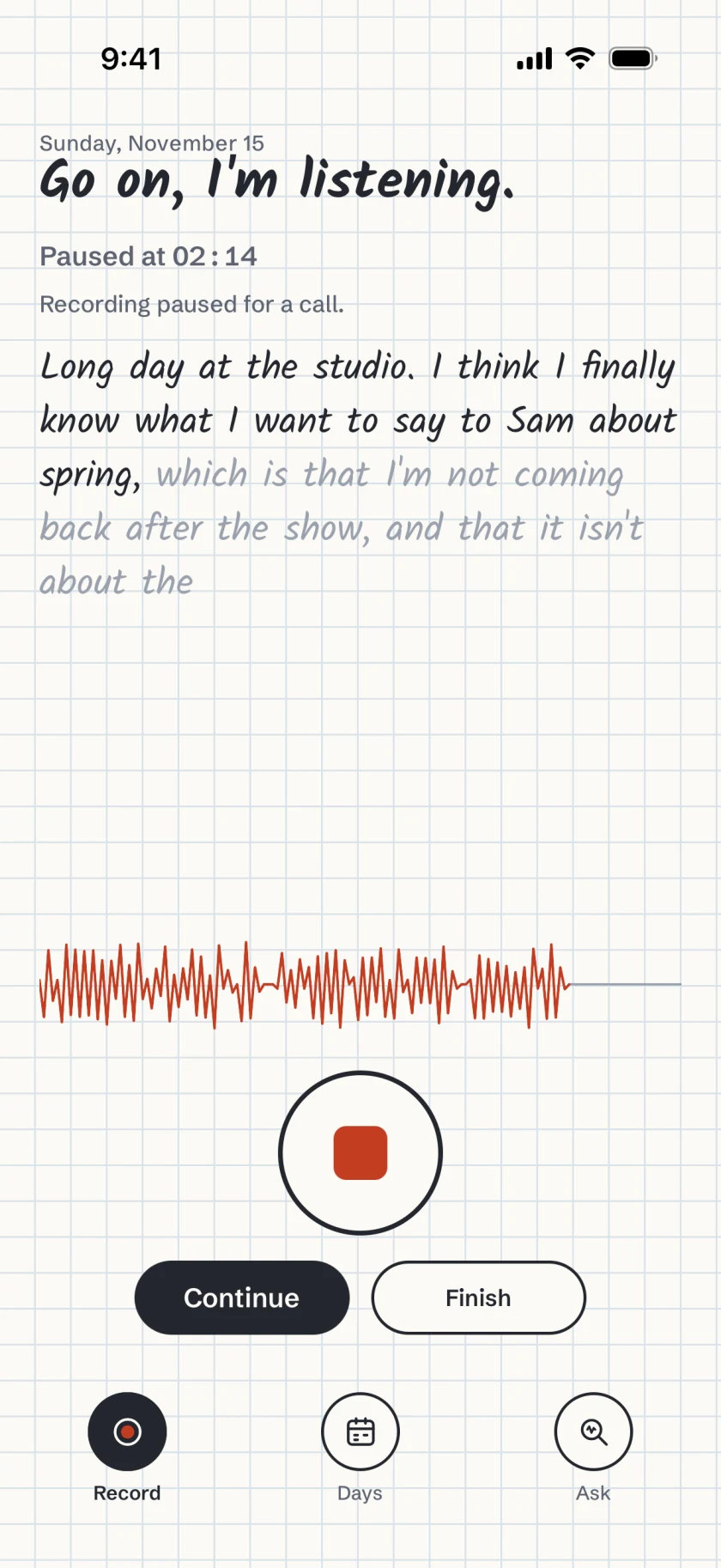
Fig. 2 Paused for a call. What you'd said is kept, and you choose Continue or Finish.
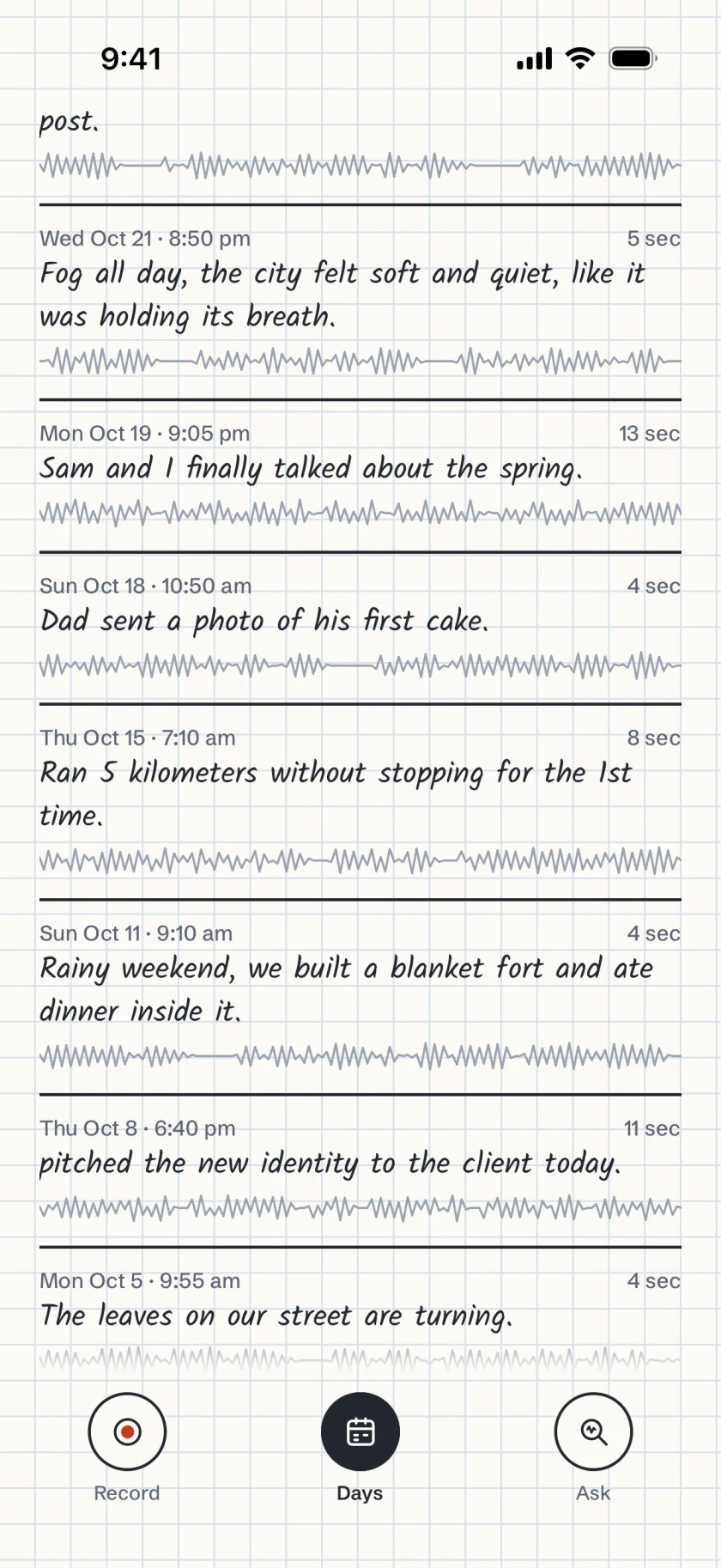
Fig. 3 Every entry listed. Newest first, with the time, the length, the first words and the pen line.
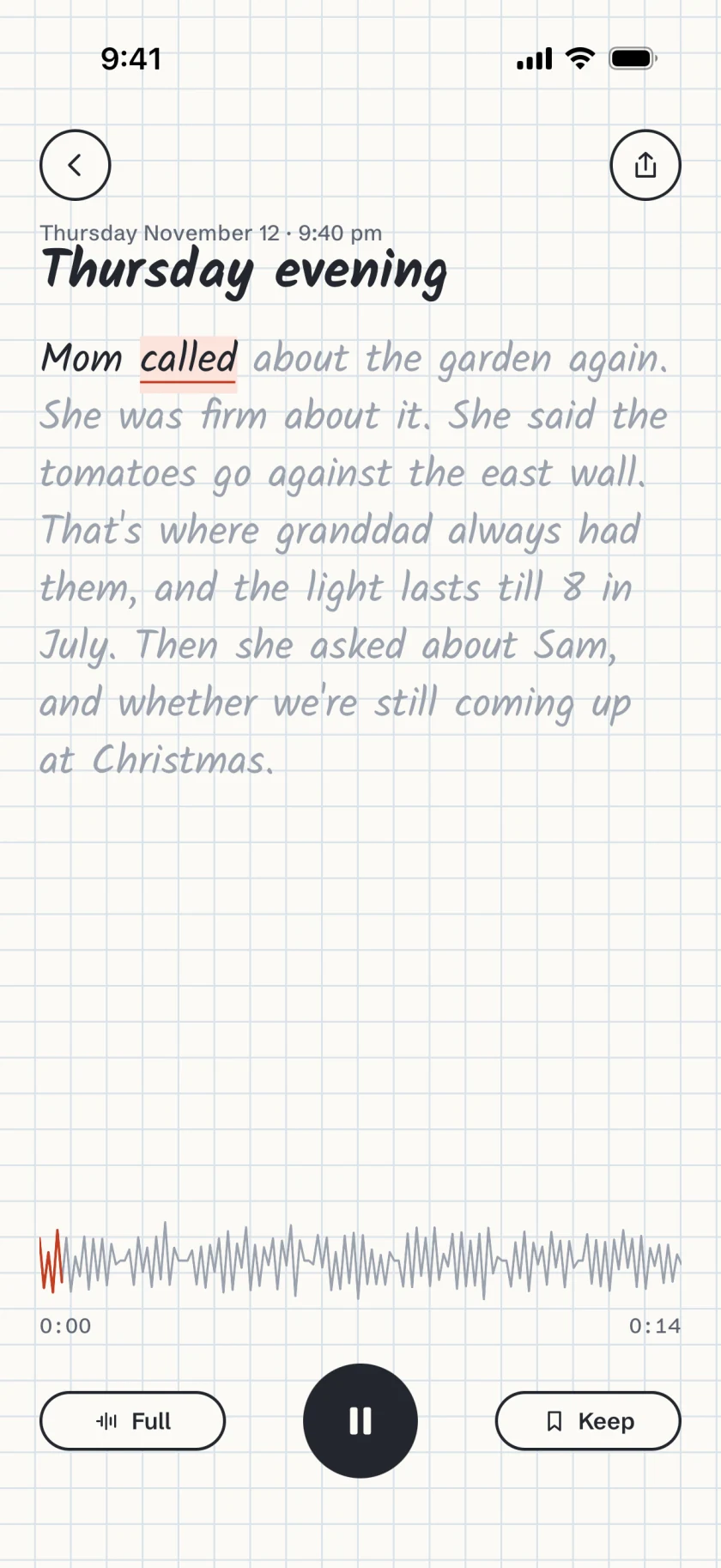
Fig. 4 The whole entry. Full plays it from the start, with each word lit as it's spoken.
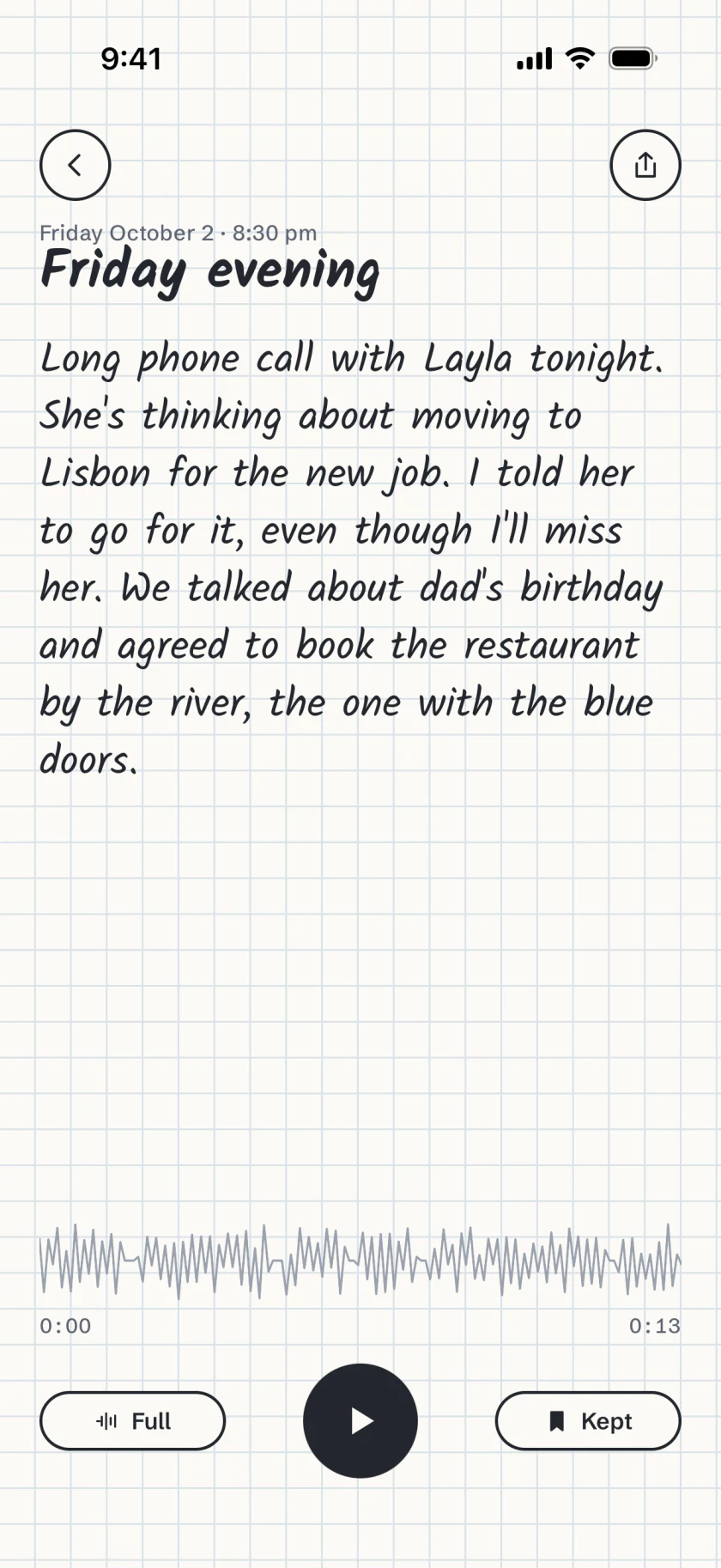
Fig. 5 Keep a moment. Kept moments have their own list, one tap from Days.
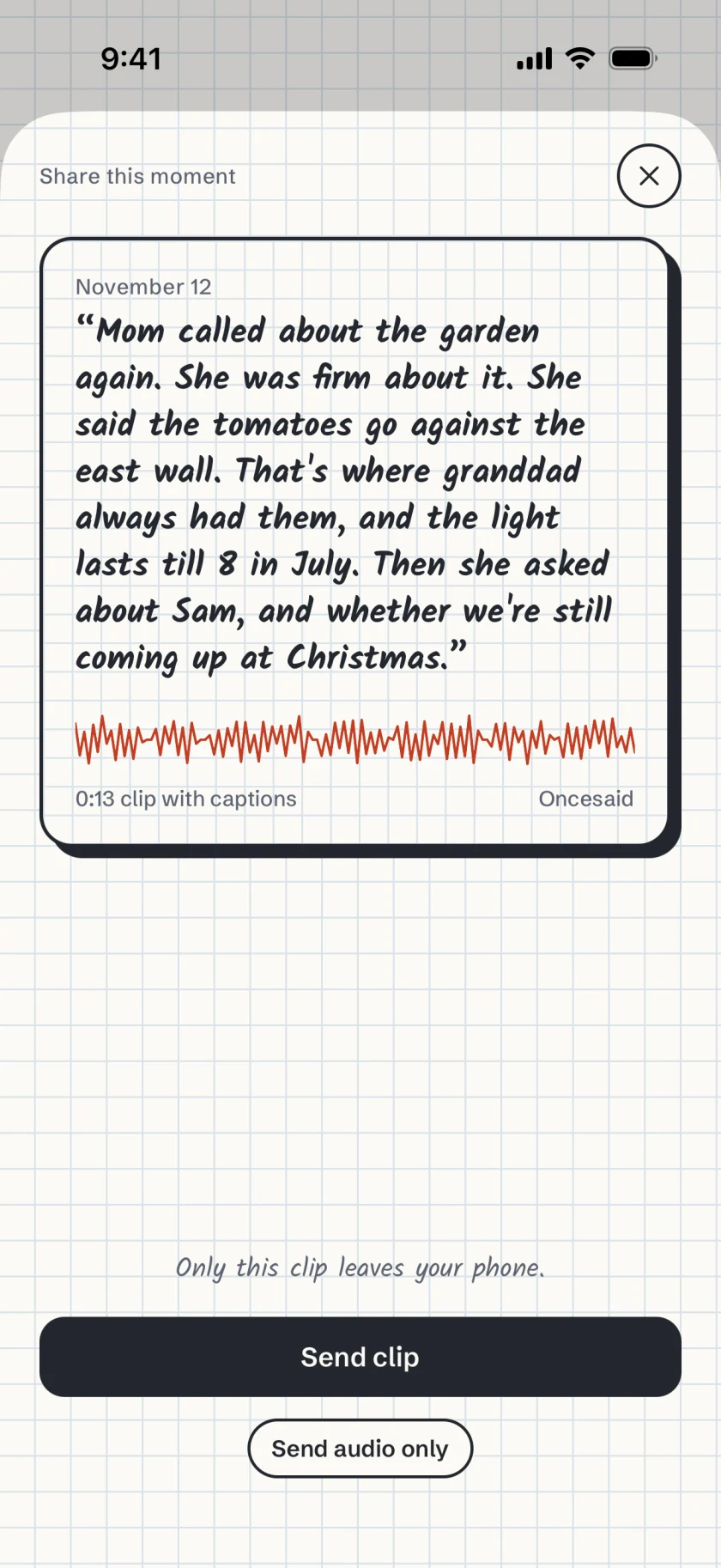
Fig. 6 A clip with captions. Up to 30 seconds of a moment with its words. Only the clip leaves your phone.
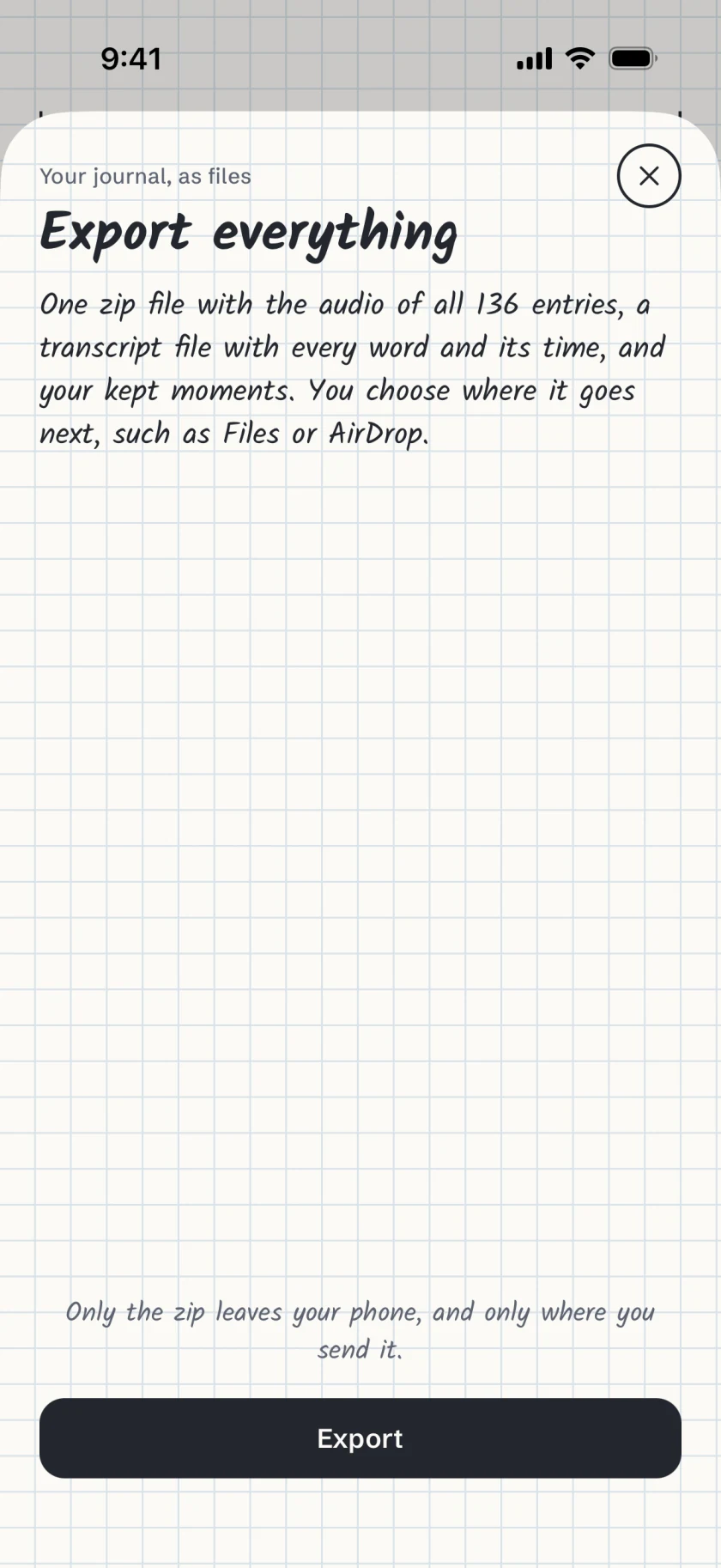
Fig. 7 Export everything. One zip with every recording, its transcript and your kept moments.
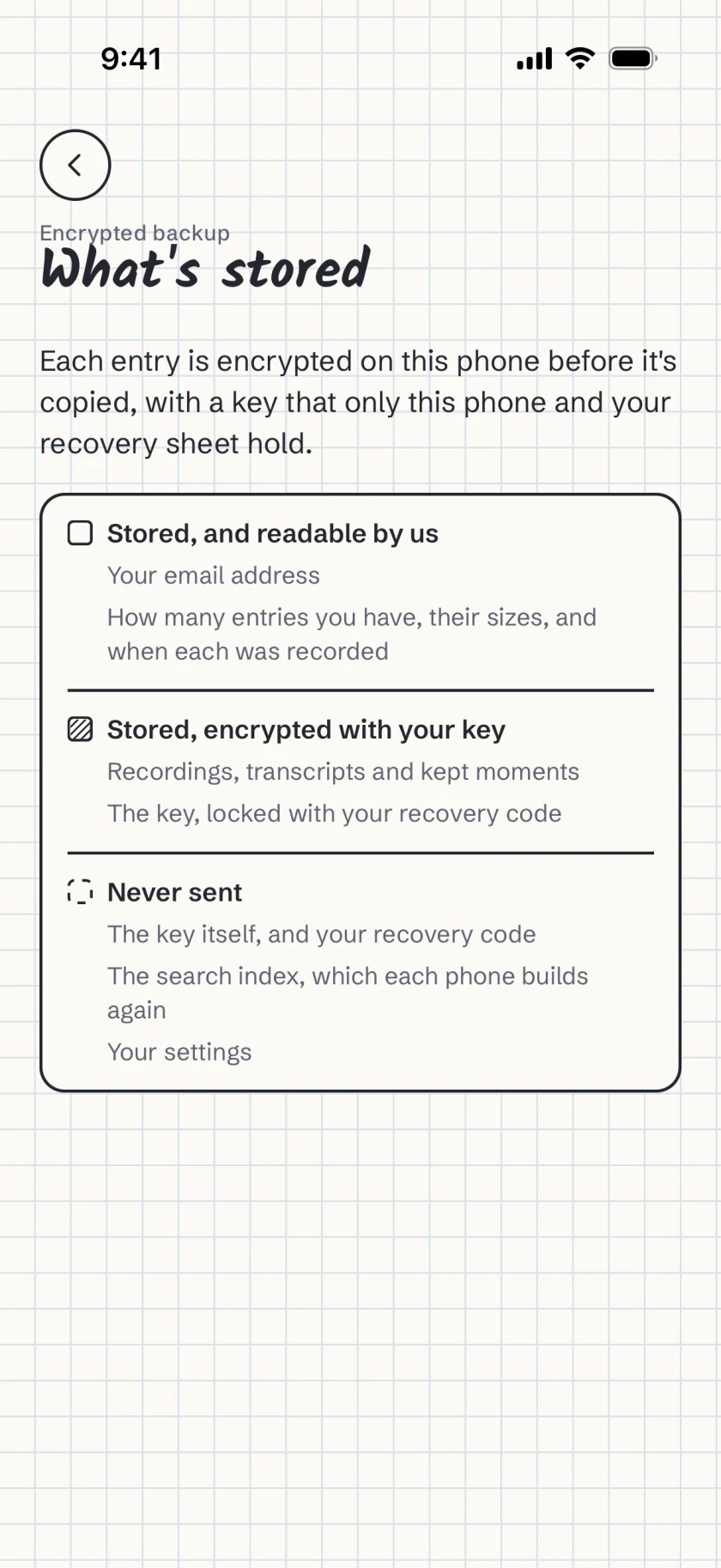
Fig. 8 What's stored. If you turn on backup, each entry is encrypted on the phone before it's copied.
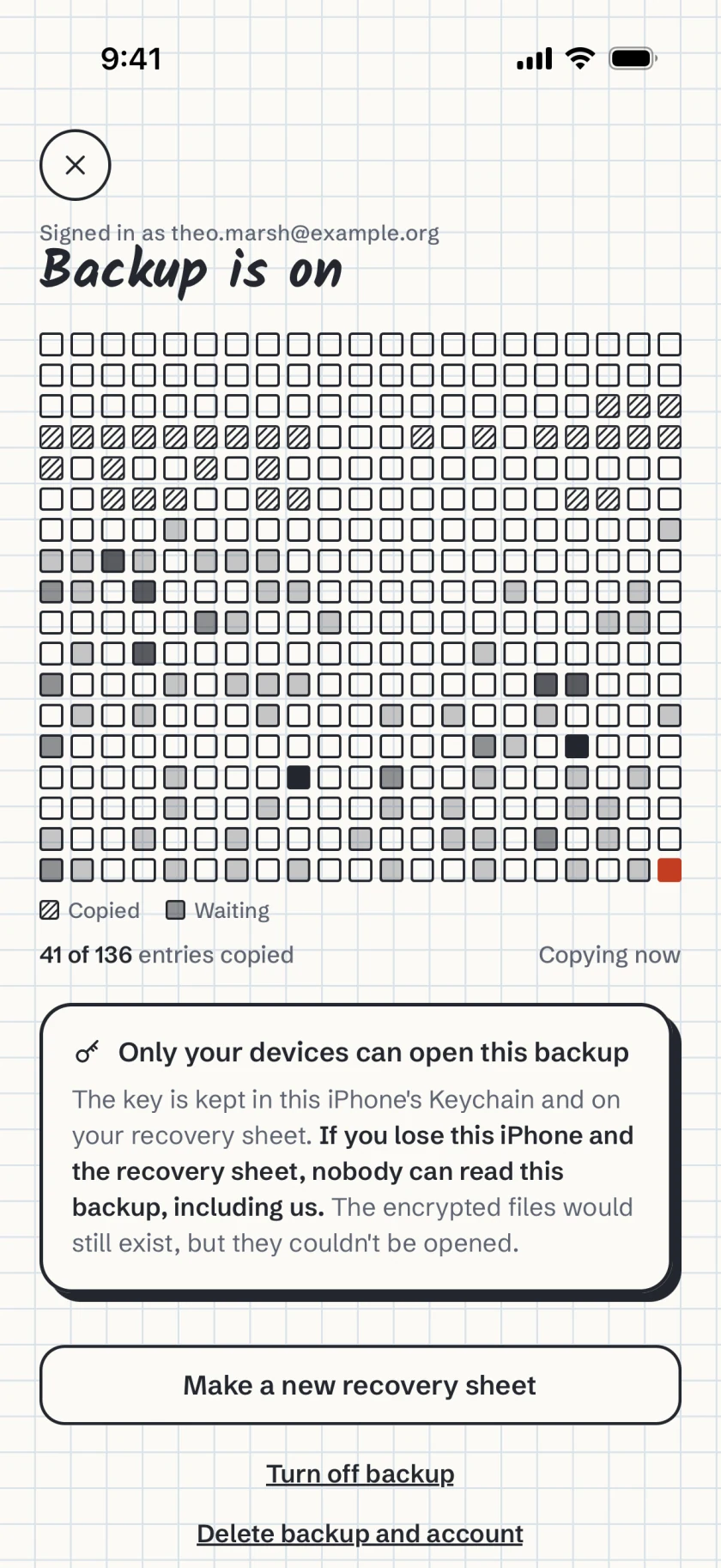
Fig. 9 Backup, by the day. A day's square is hatched once all of its entries are copied.
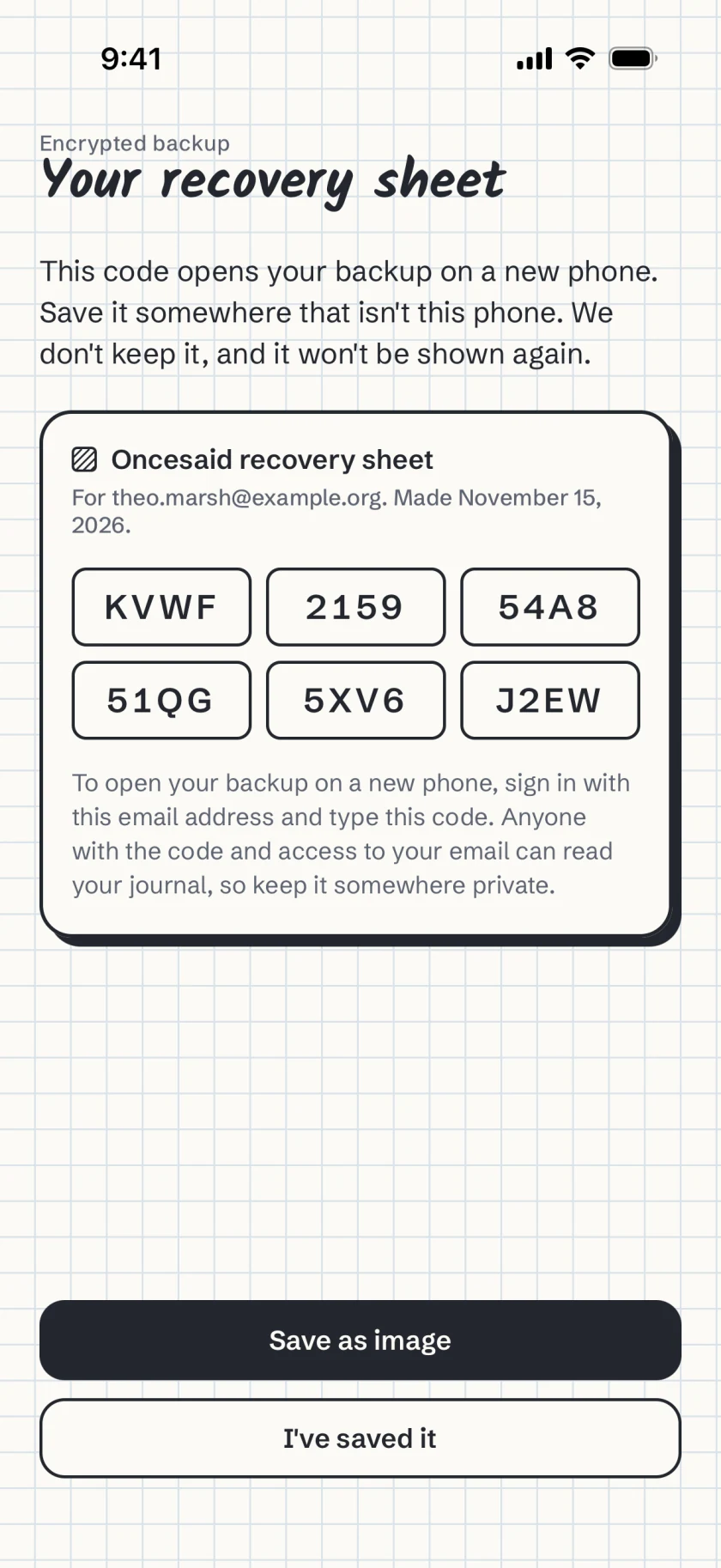
Fig. 10 A recovery sheet. Its code opens your backup on a new phone. We don't keep it.
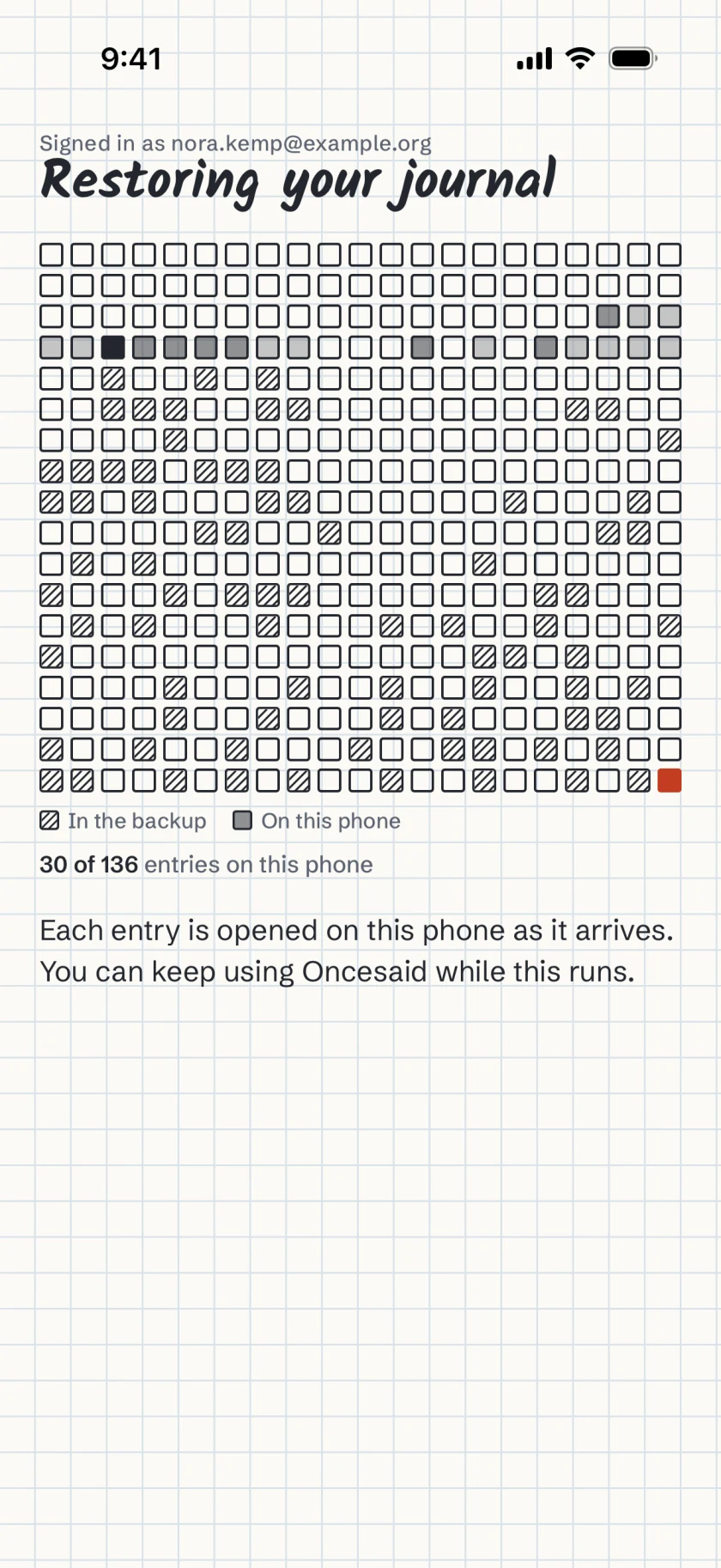
Fig. 11 Restore. Days turn to ink as entries arrive, and you can keep using the app.
One tap to start.
The words appear while you talk, and the entry saves itself when you stop. It keeps recording with the screen locked.
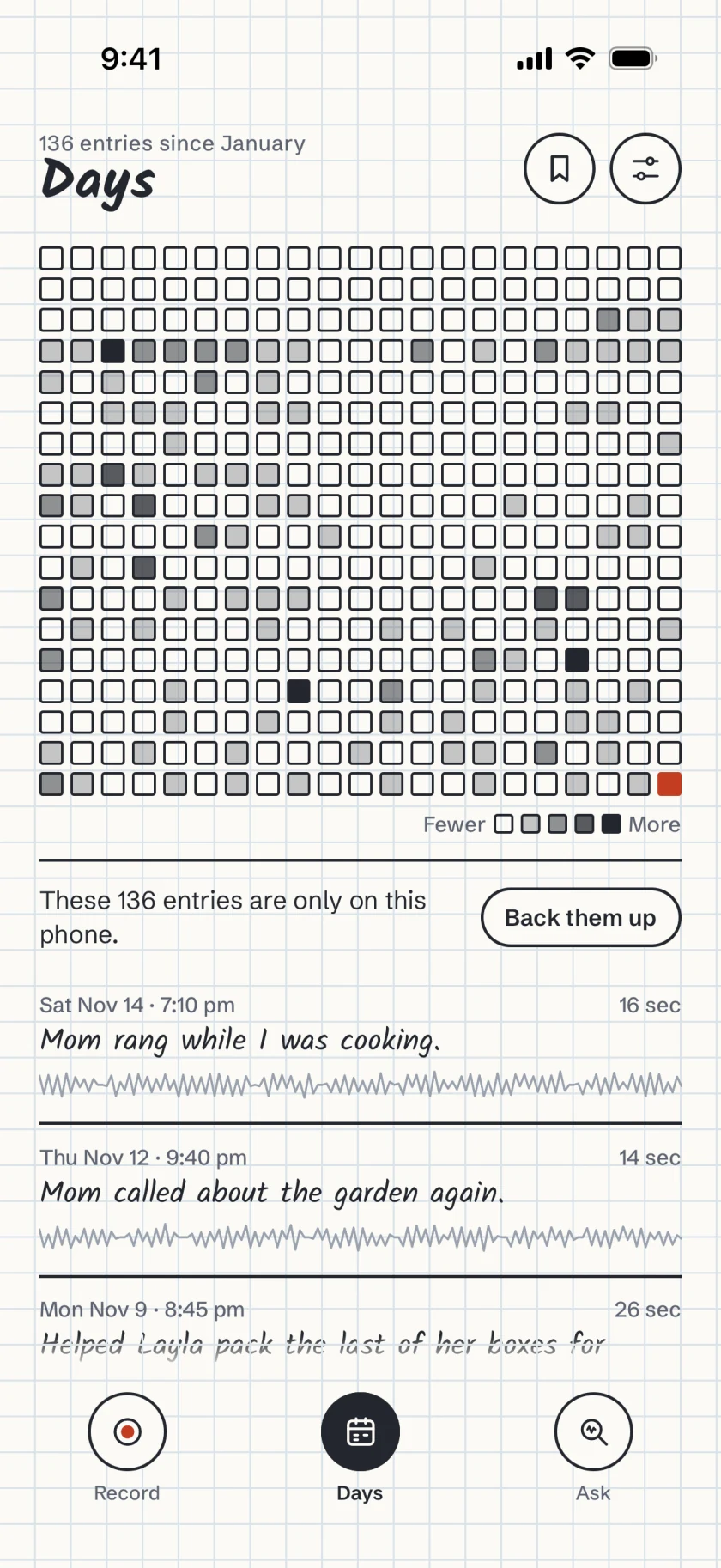
The year in squares.
Each day you record fills a square, darker on days with more entries. Your entries are listed below it.
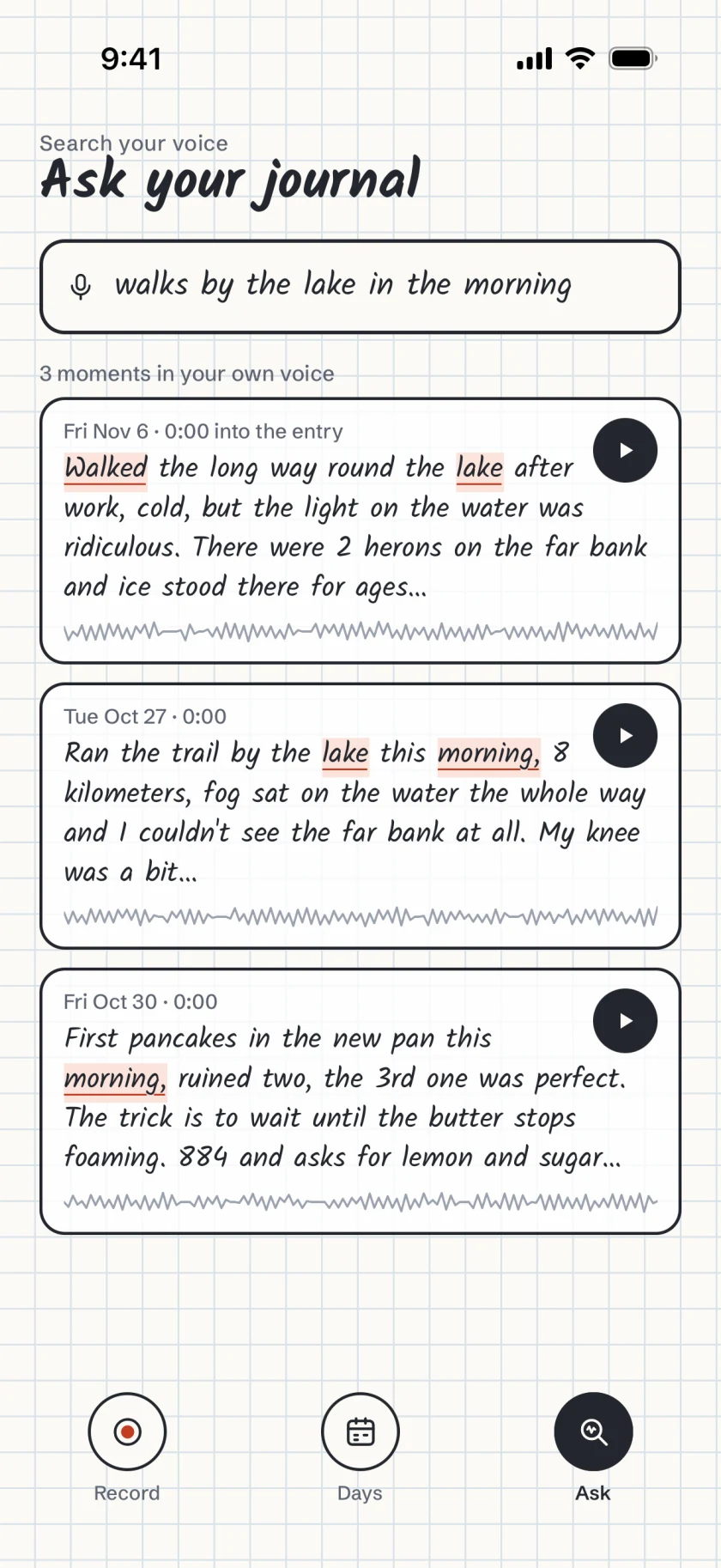
Ask a question.
Search runs on your phone and finds the words you used and passages close in meaning, with the matches marked.
Hear it in your voice.
A result plays from about three seconds before those words, with each word lit. Oncesaid doesn't write answers of its own.
Kept on your phone.
Recording, transcription and search run on your phone, and none of them need an account. Your journal leaves the phone only when you send something, or encrypted if you turn on backup.
Recordings, transcripts, the search index and your questions.
A clip or an export, only when you send it.
Off unless you turn it on. Entries are encrypted on the phone, and we can't read them.
Through the App Store or Google Play, and RevenueCat.
Your phone's own backup to iCloud or Google can include the journal, as it does for other apps. Read the privacy policy
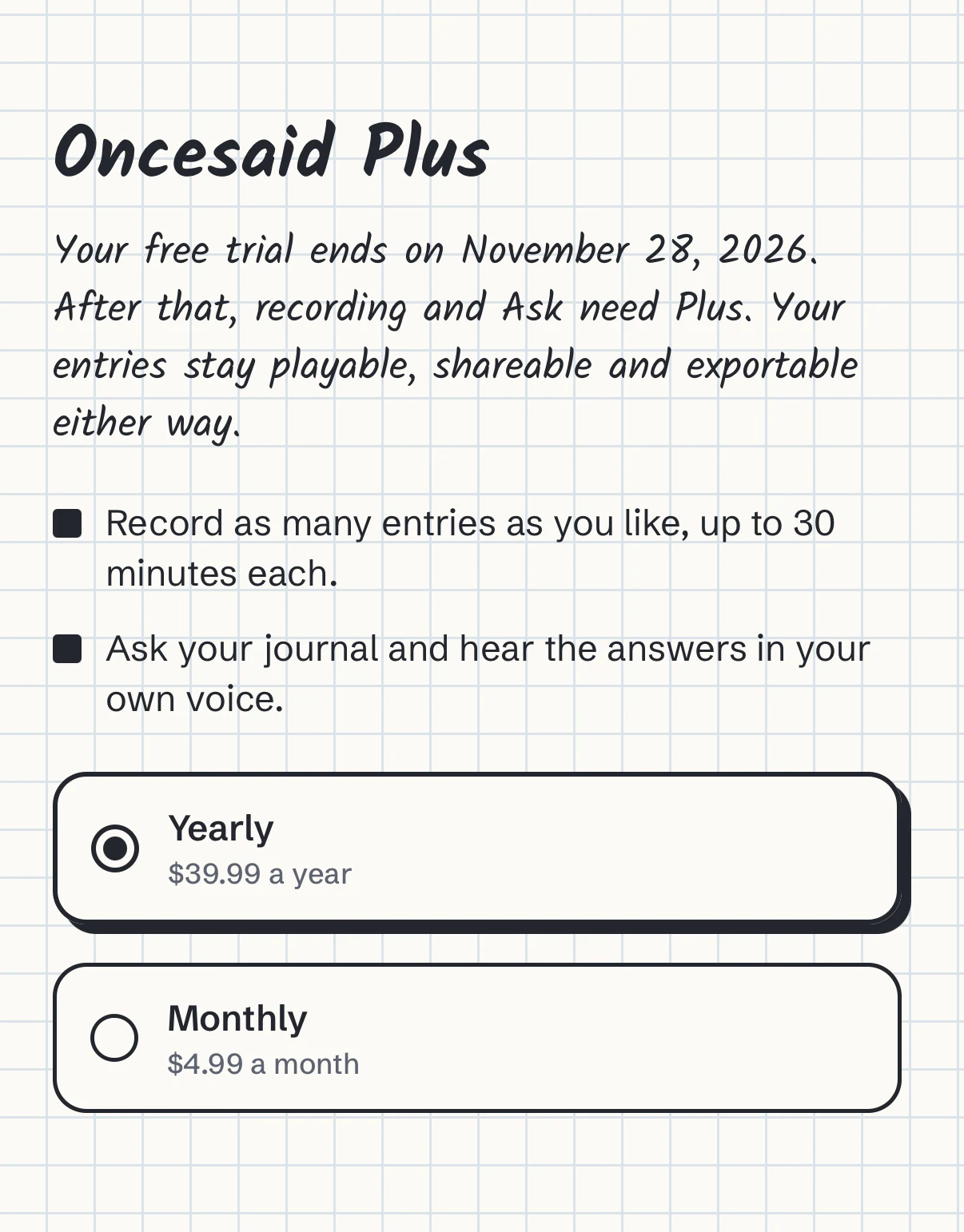
Free for 14 days, then Plus.
The trial includes everything and needs no payment details. After it, recording and Ask need Plus. Every entry you've recorded stays playable and exportable either way.
Prices in US dollars. The App Store and Google Play show the price where you live.
Questions and answers
Do I need an account?
No. Recording and Ask work without one. An account is only for the backup, and you sign in to it with a code sent to your email.
Which phones does it work on?
iPhone with iOS 26 or later, and Android phones.
What happens when the trial ends?
Recording and Ask need Plus. Every entry stays on your phone, and you can still play, share and export it.
Can I move my journal to a new phone?
Turn on backup, then sign in on the new phone and type the code from your recovery sheet. Export everything also gives you every recording and transcript as files.
More answers are on the support page.
 Oncesaid
 for iPhone and Android
Free for 14 days, with no account needed.